Step 1
Forward your transaction confirmation email to our system. One email from each of your credit cards.

Users have a lot of options when it comes to budgeting apps. Some go for simple mobile apps, some stick to Google Sheets due to its powerful calculation capabilities. We are seeking to do one main thing with Spender: optimize and automate daily expense tracking, with version 1 heavily focusing on making complex real-life transactions as easy as possible to document.
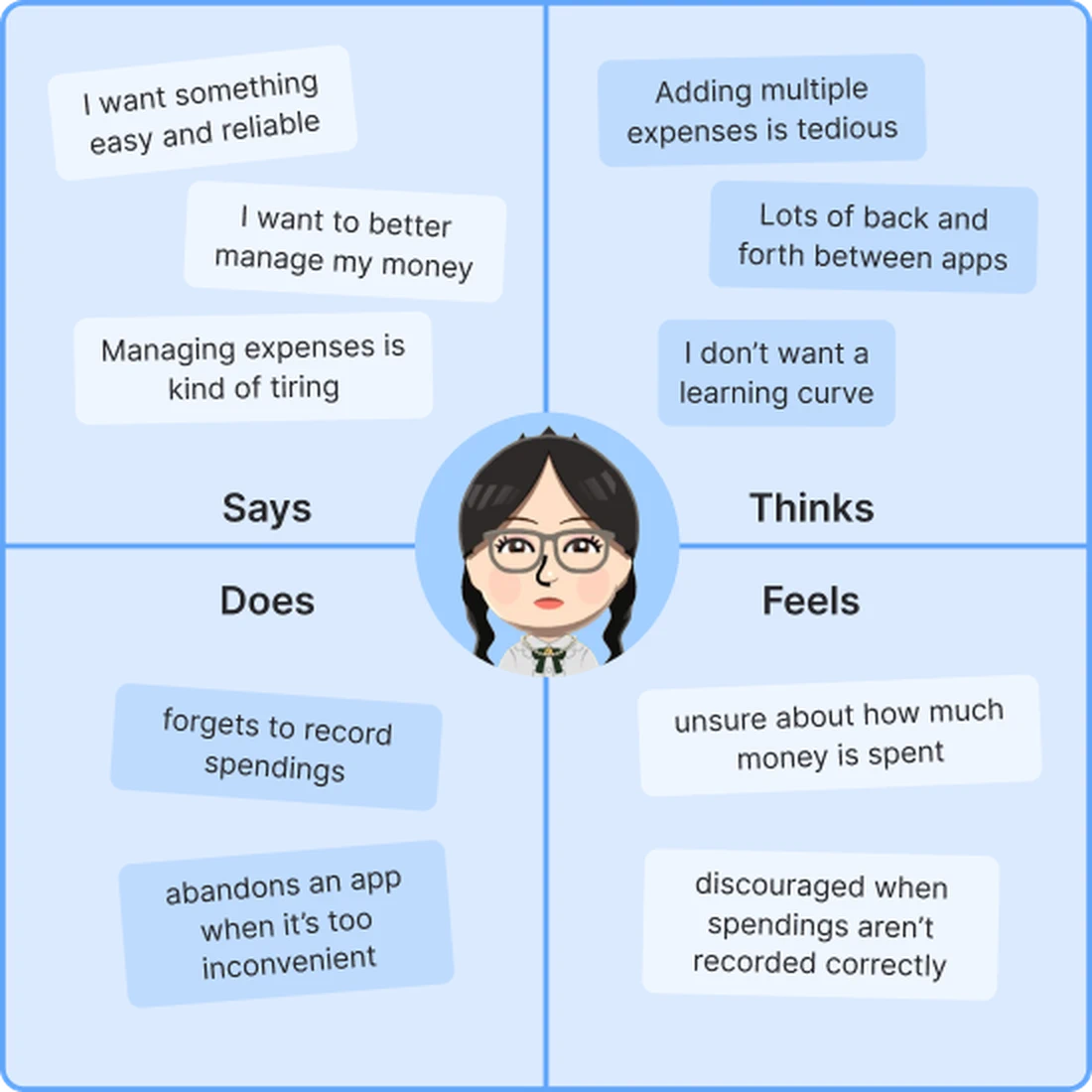
This is Chi Thao's empathy map. She is one of the user personas we will get to in detail later on.
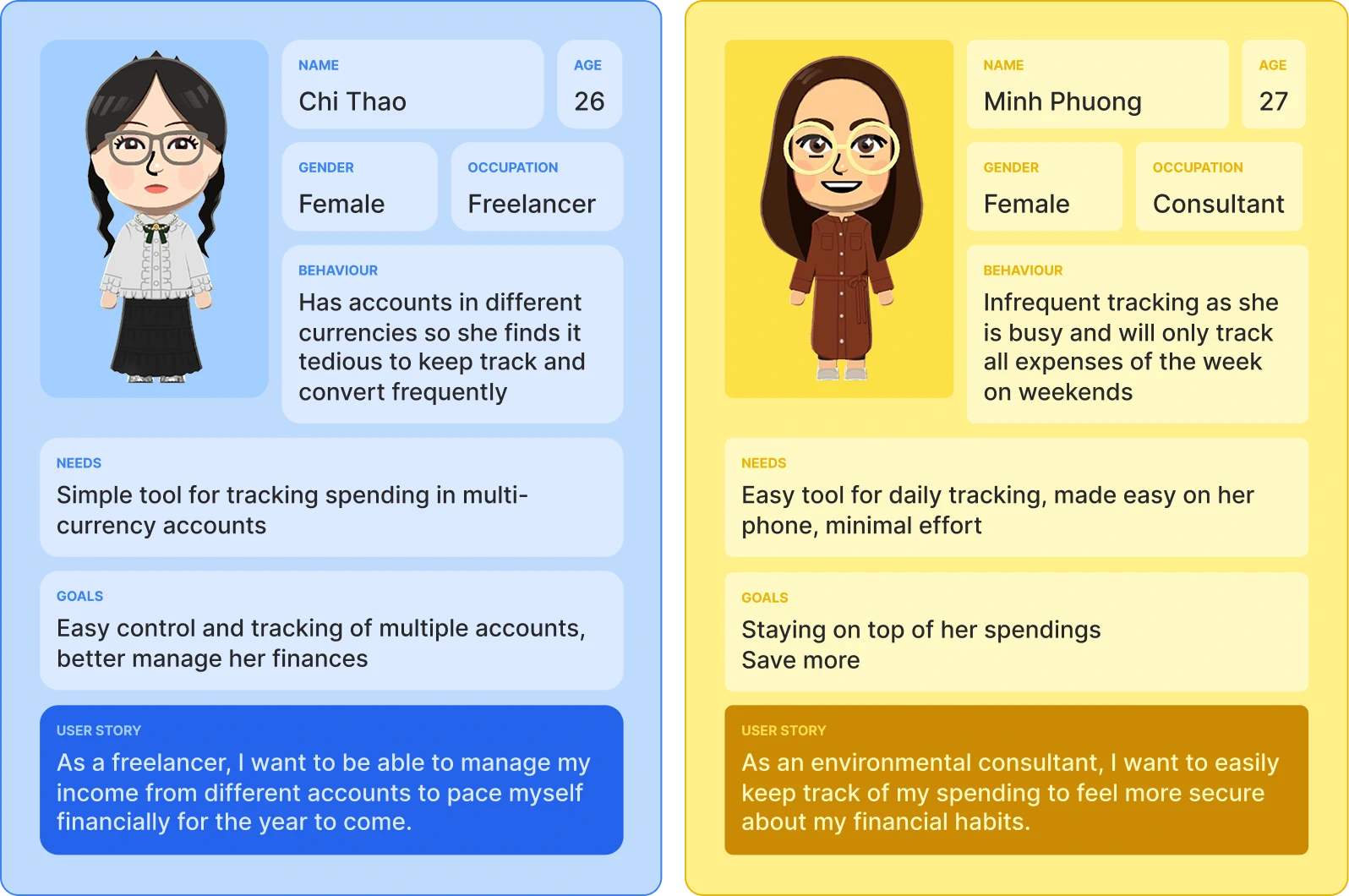
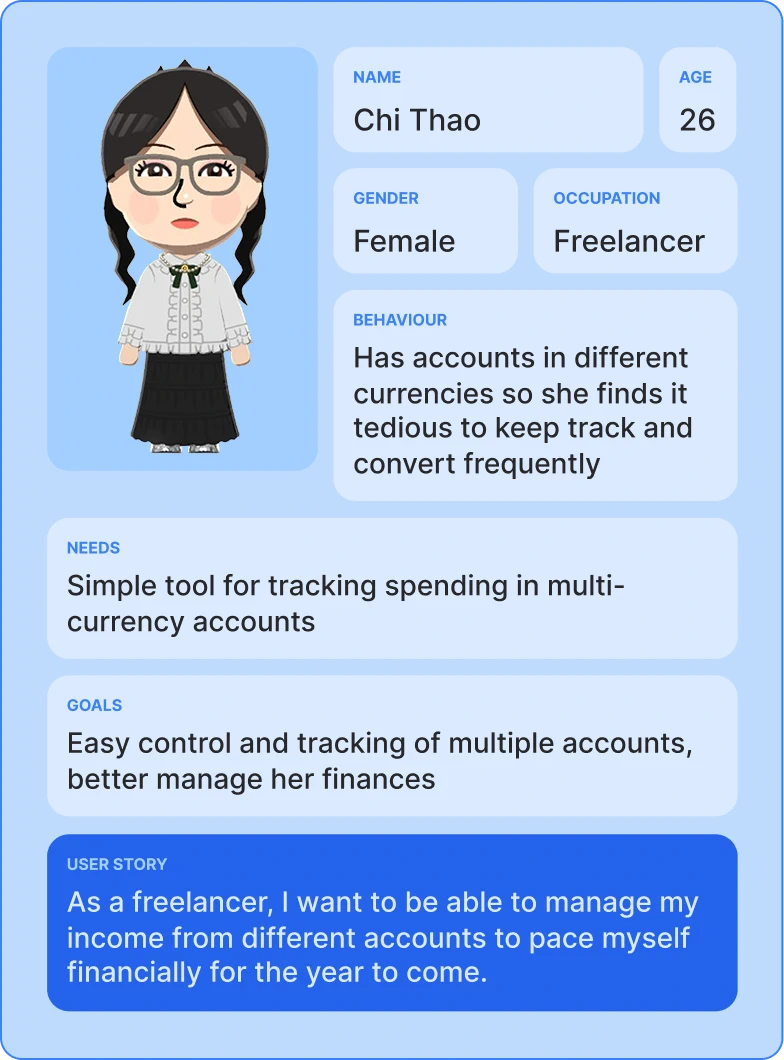
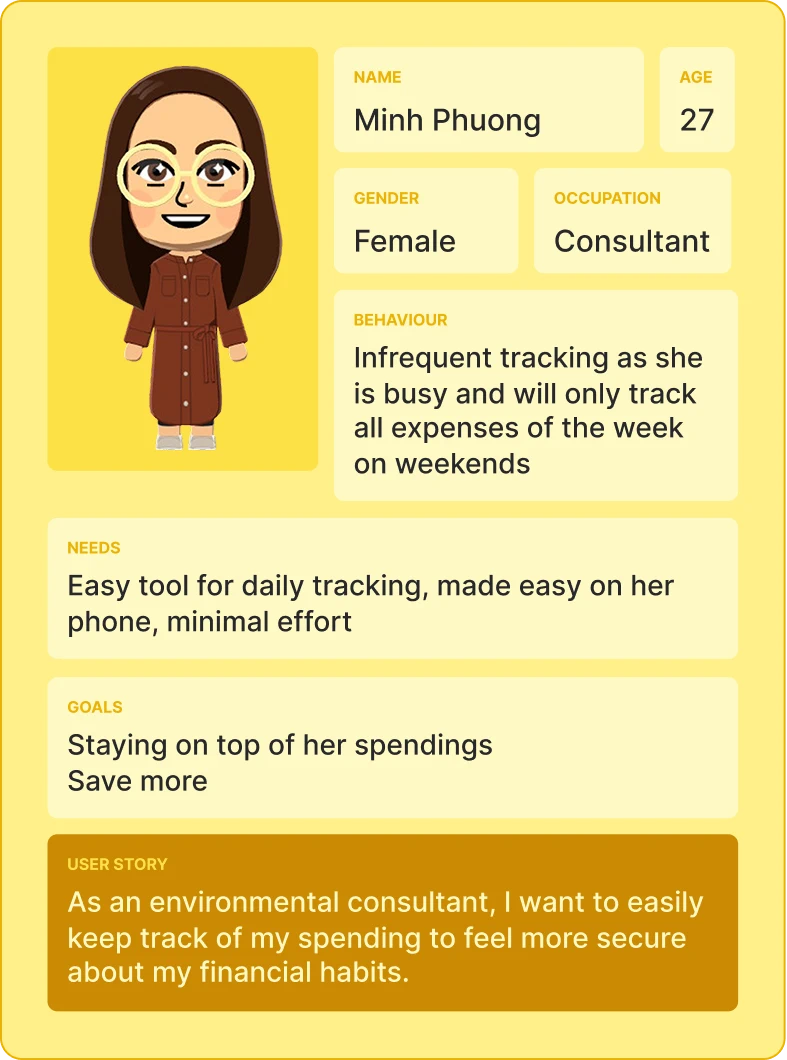
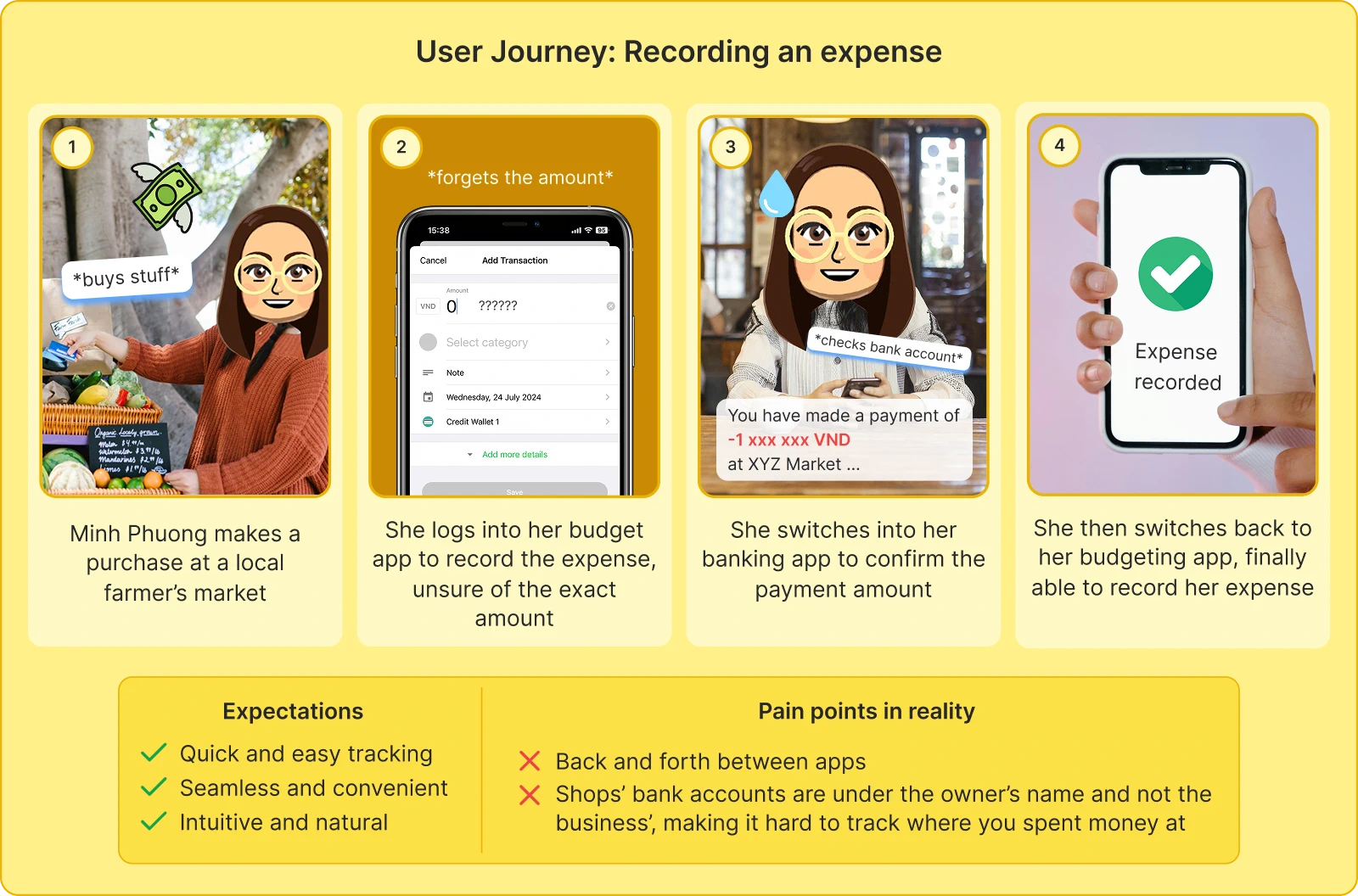
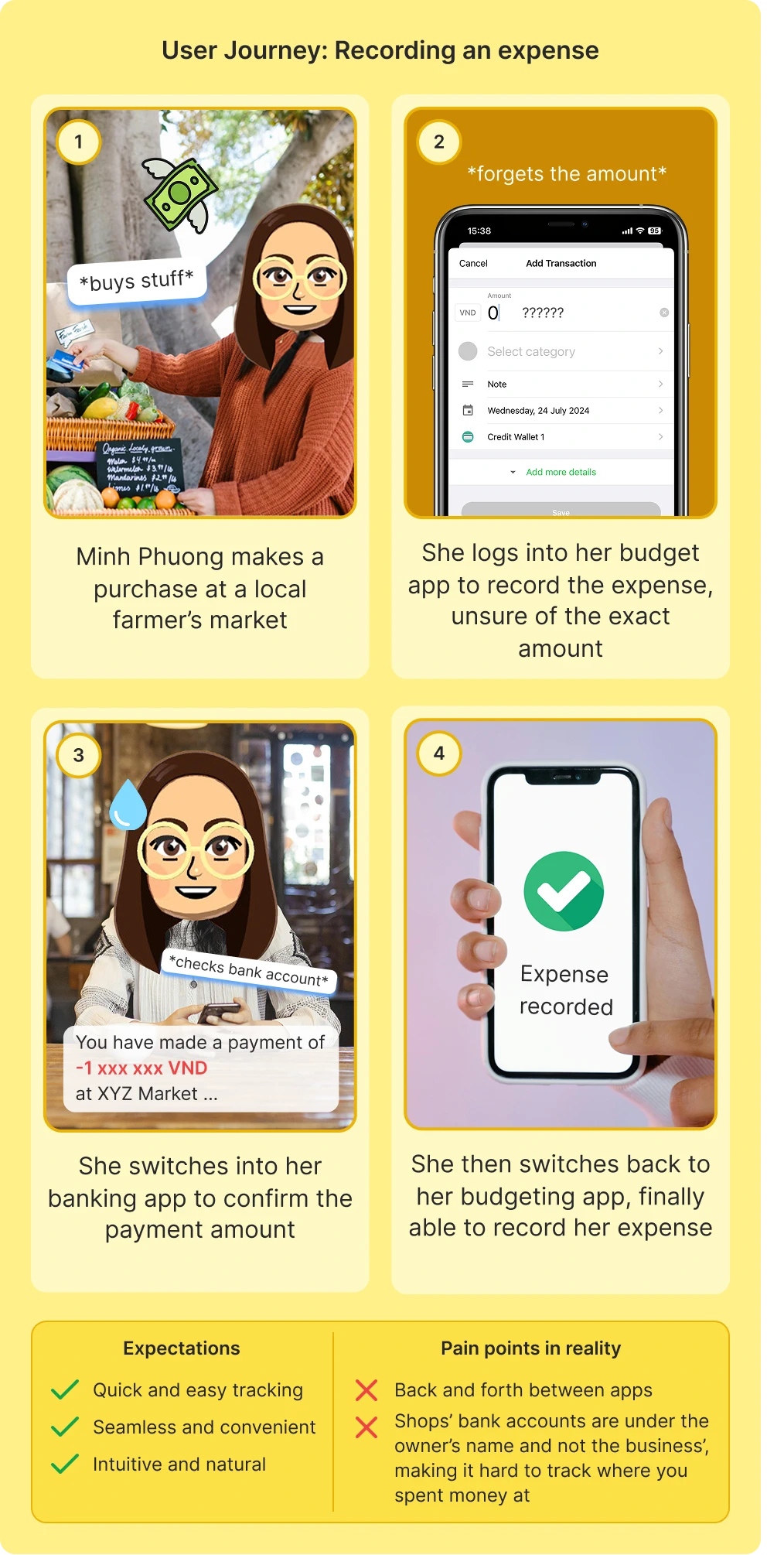
Young working adults struggle to manage their finances as their busy schedules make it difficult to consistently record daily expenses. Manually tracking transactions is tedious, requiring users to switch between banking and budgeting apps to verify details. This friction often leads to incomplete or inaccurate records. The challenge is even greater for those working internationally, who need to manage and track spending across multiple currencies. This group needs a more seamless and efficient platform to handle daily expense tracking and multi-currency financial management.
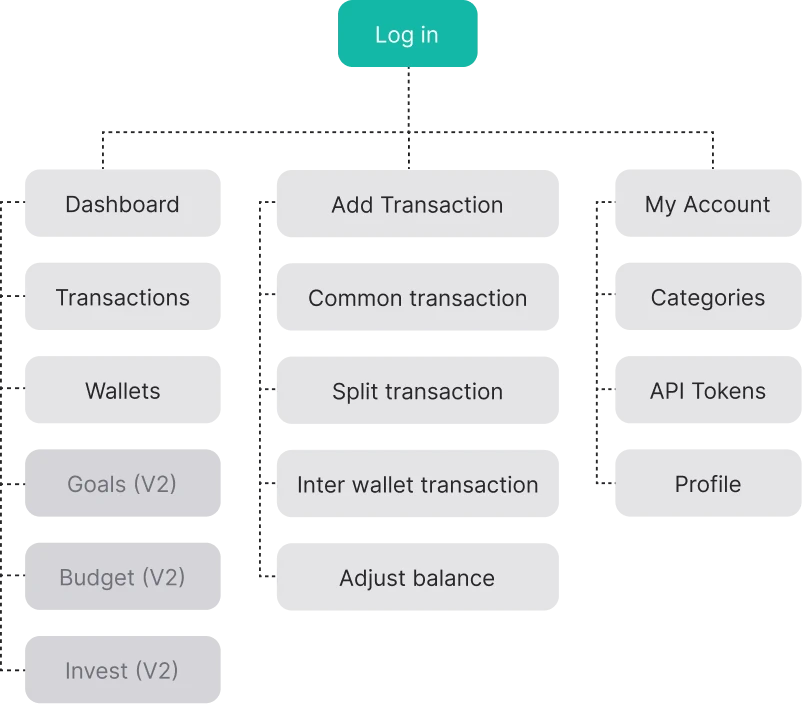
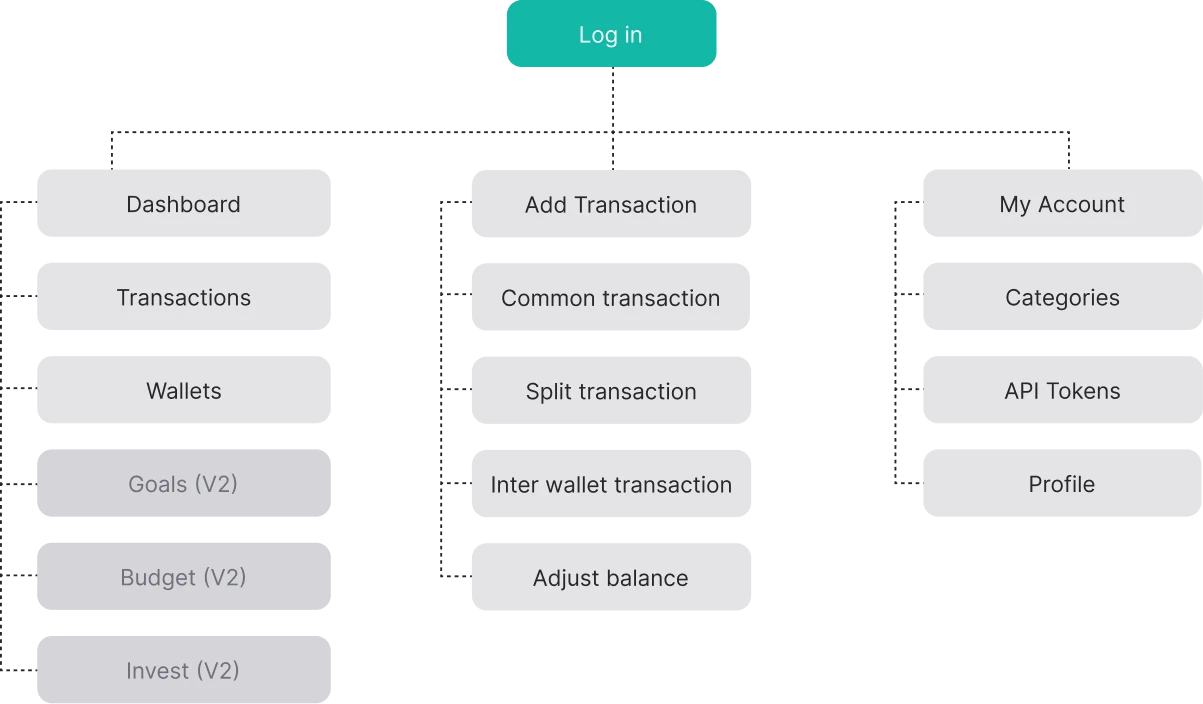
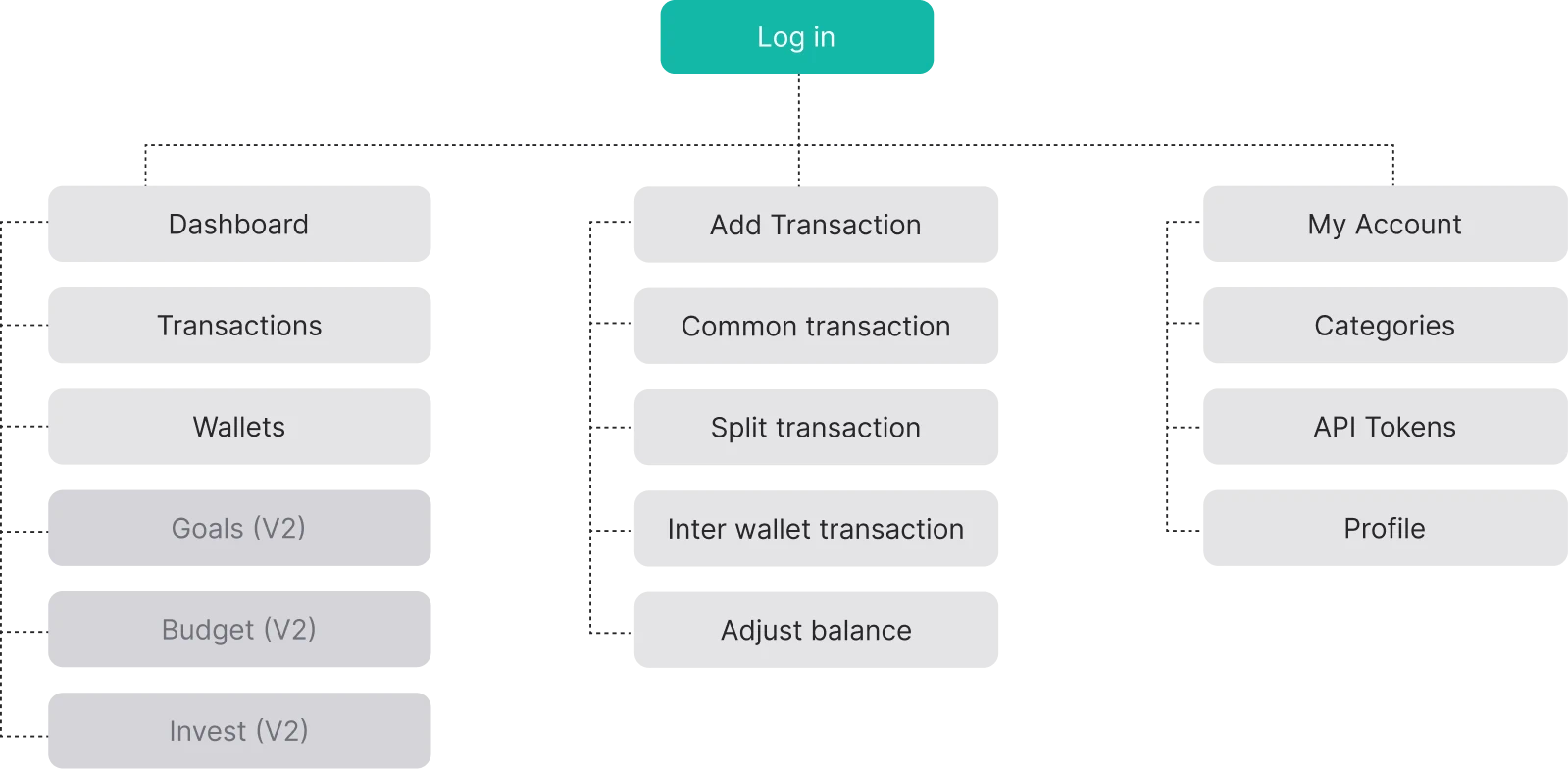
Our version 1 focuses on making sure that users are able to successfully add a complex transaction and even automating most of that process.
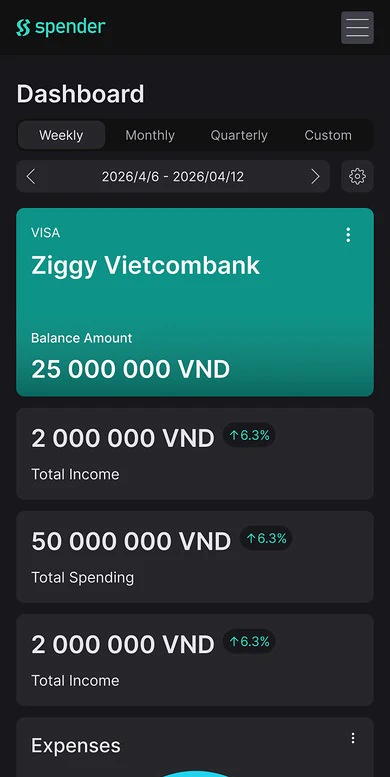
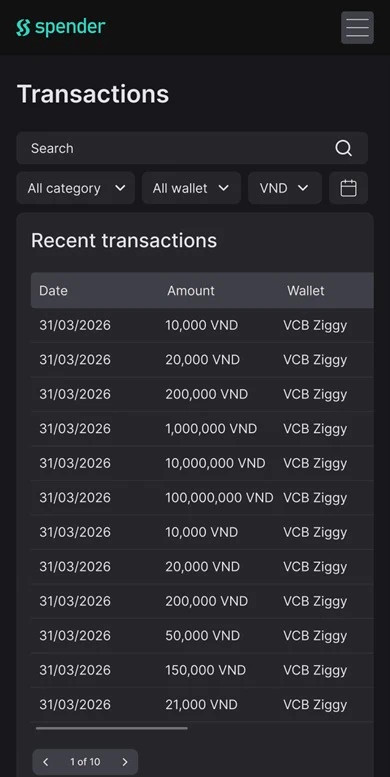
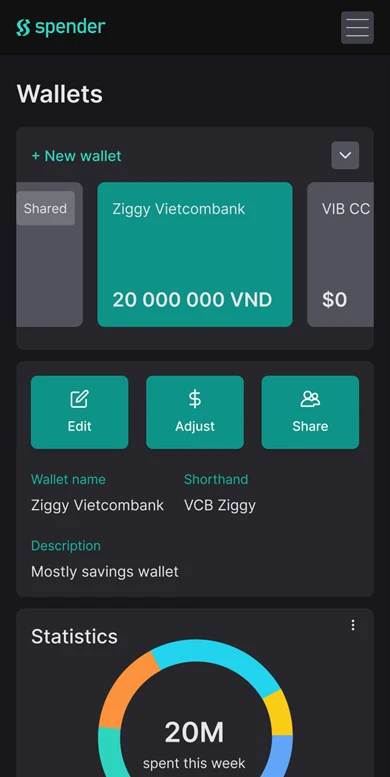
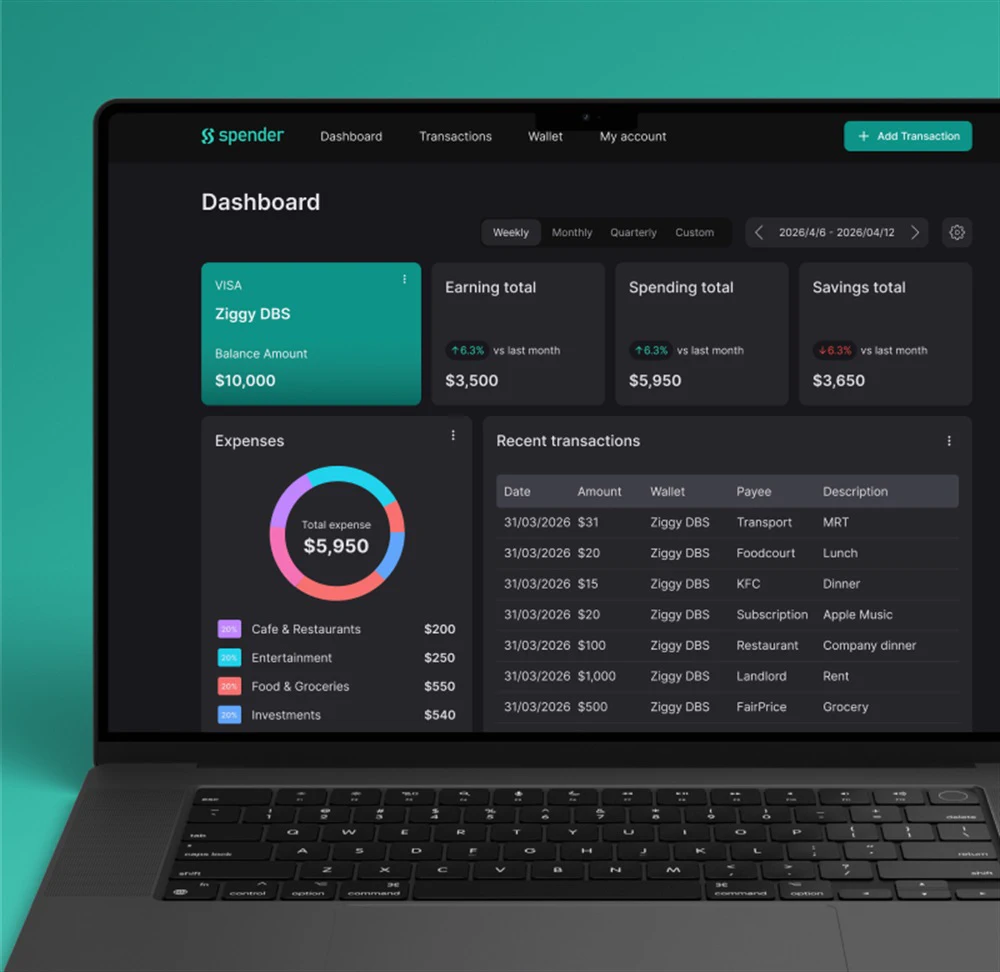
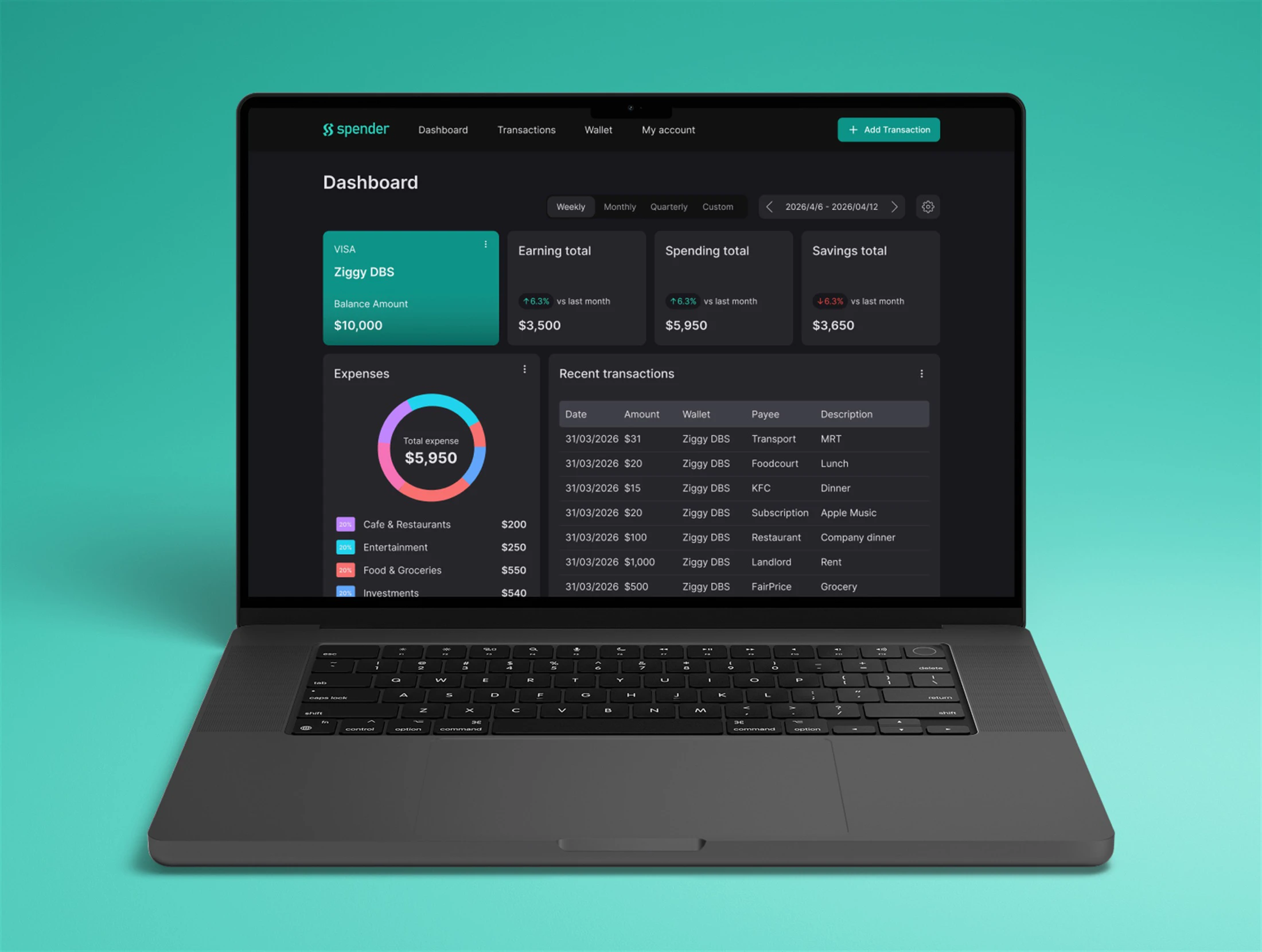
Our product has a desktop version as well, should you prefer viewing your data on the big screen:
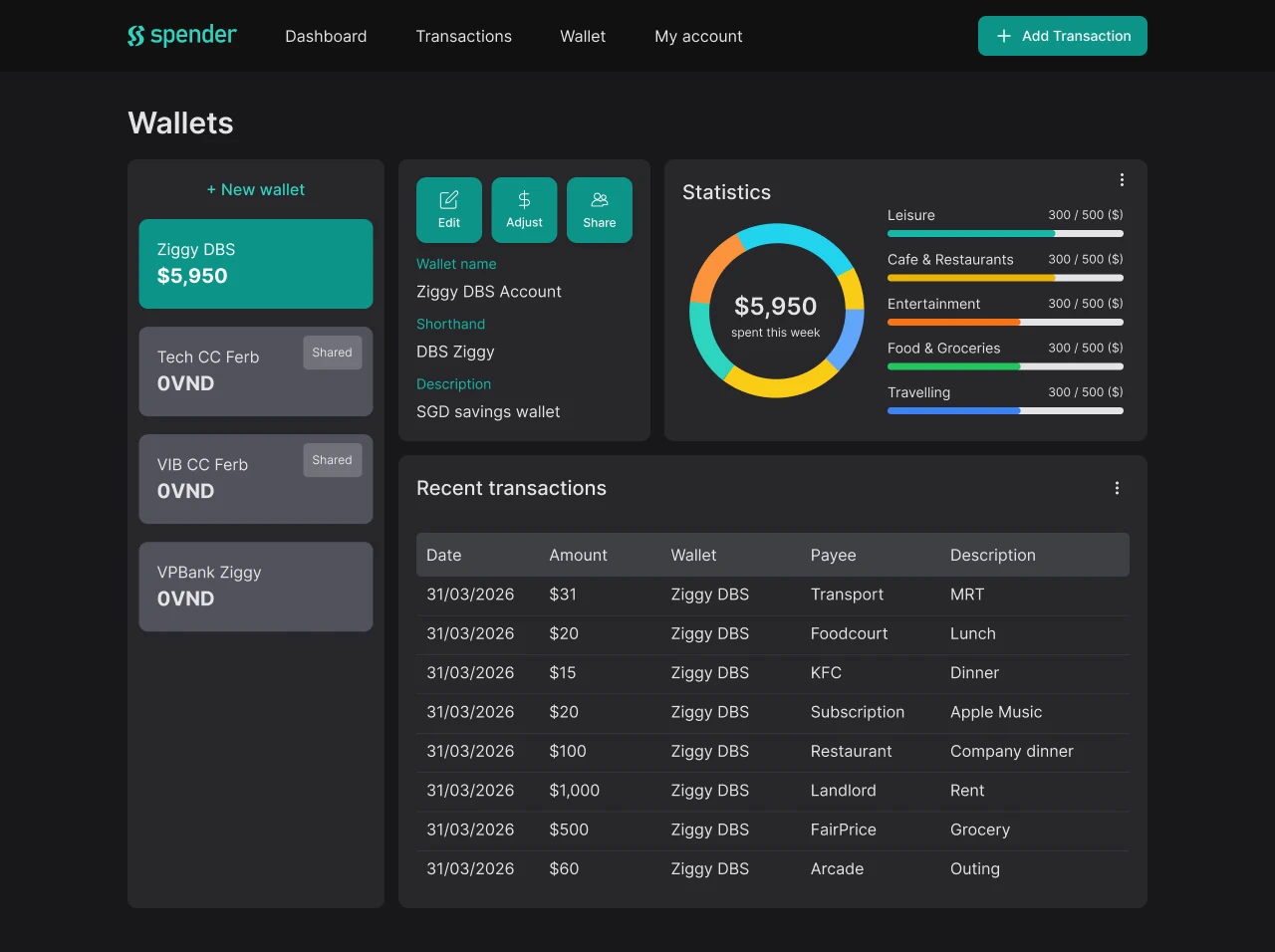
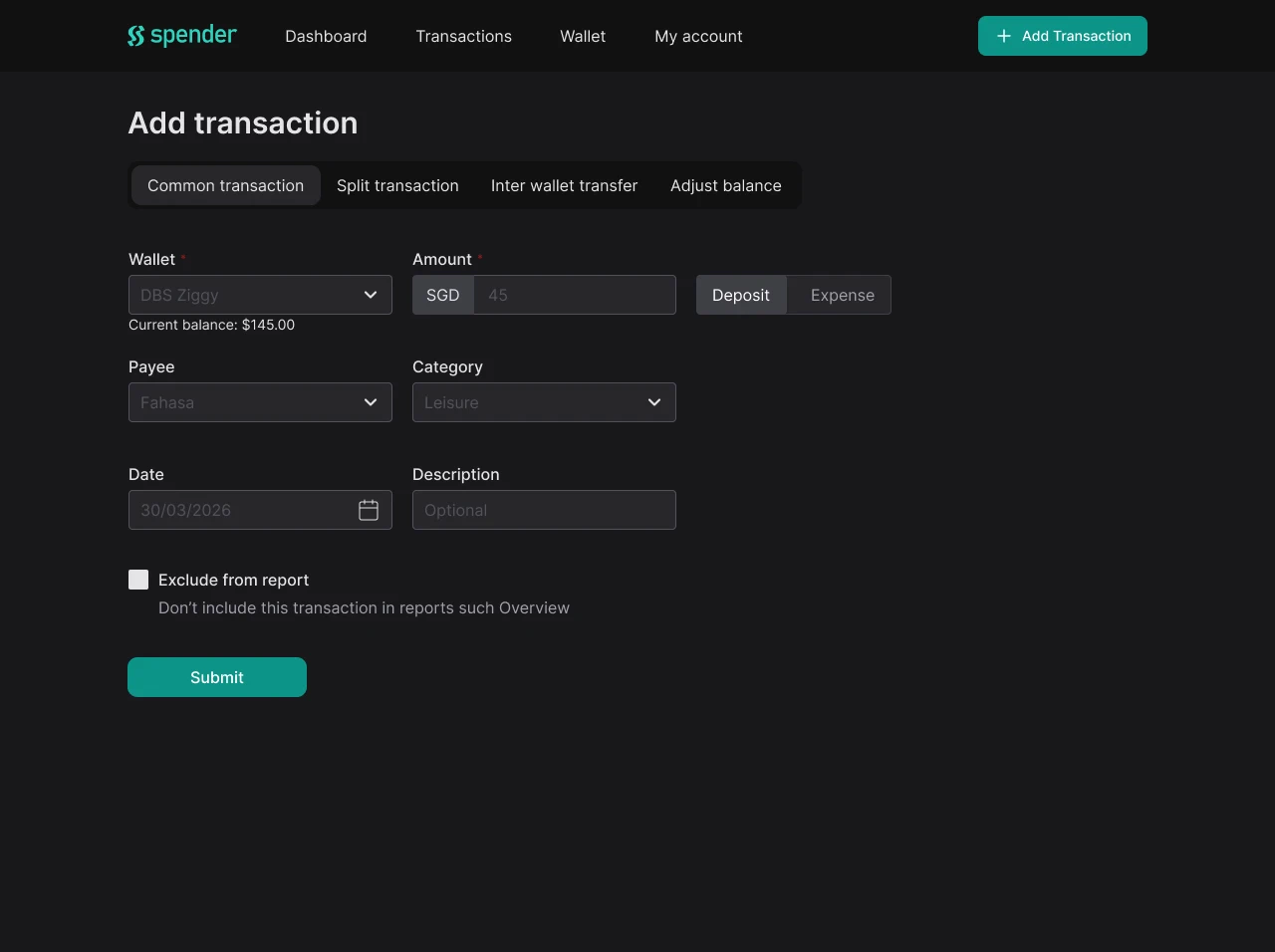
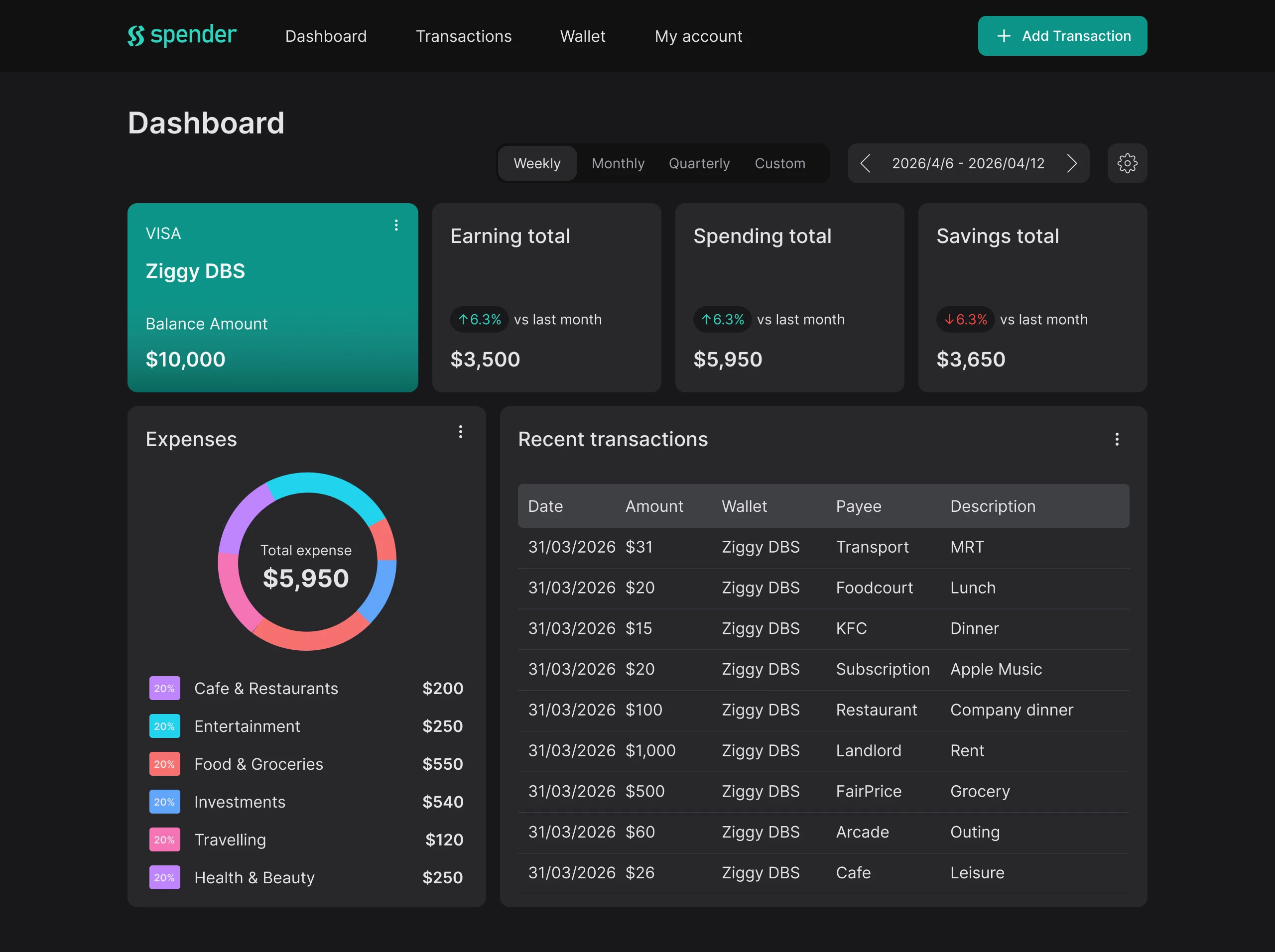
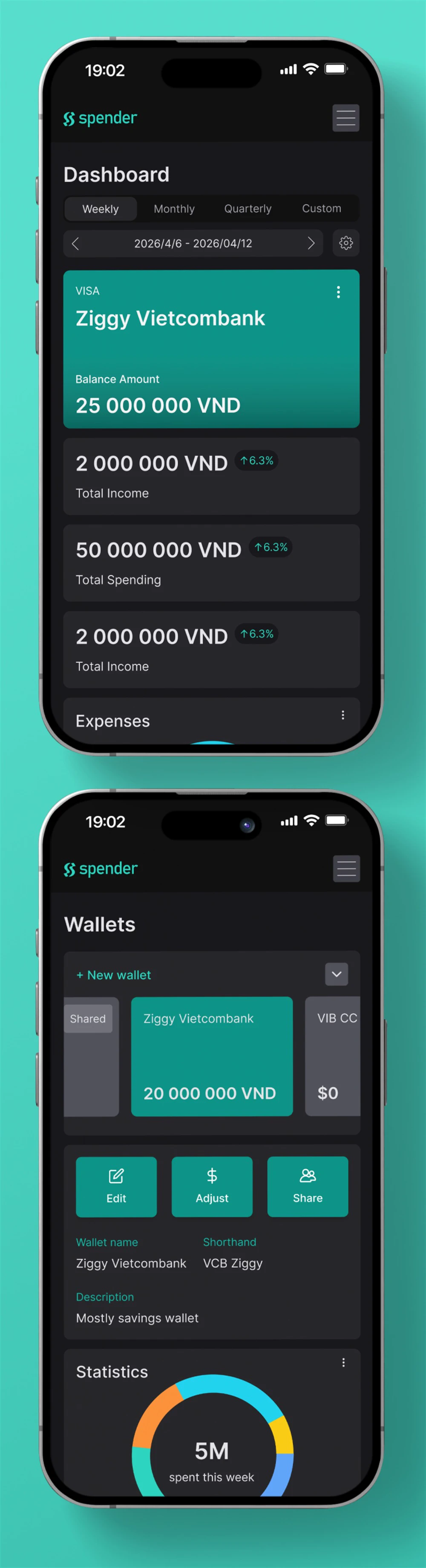
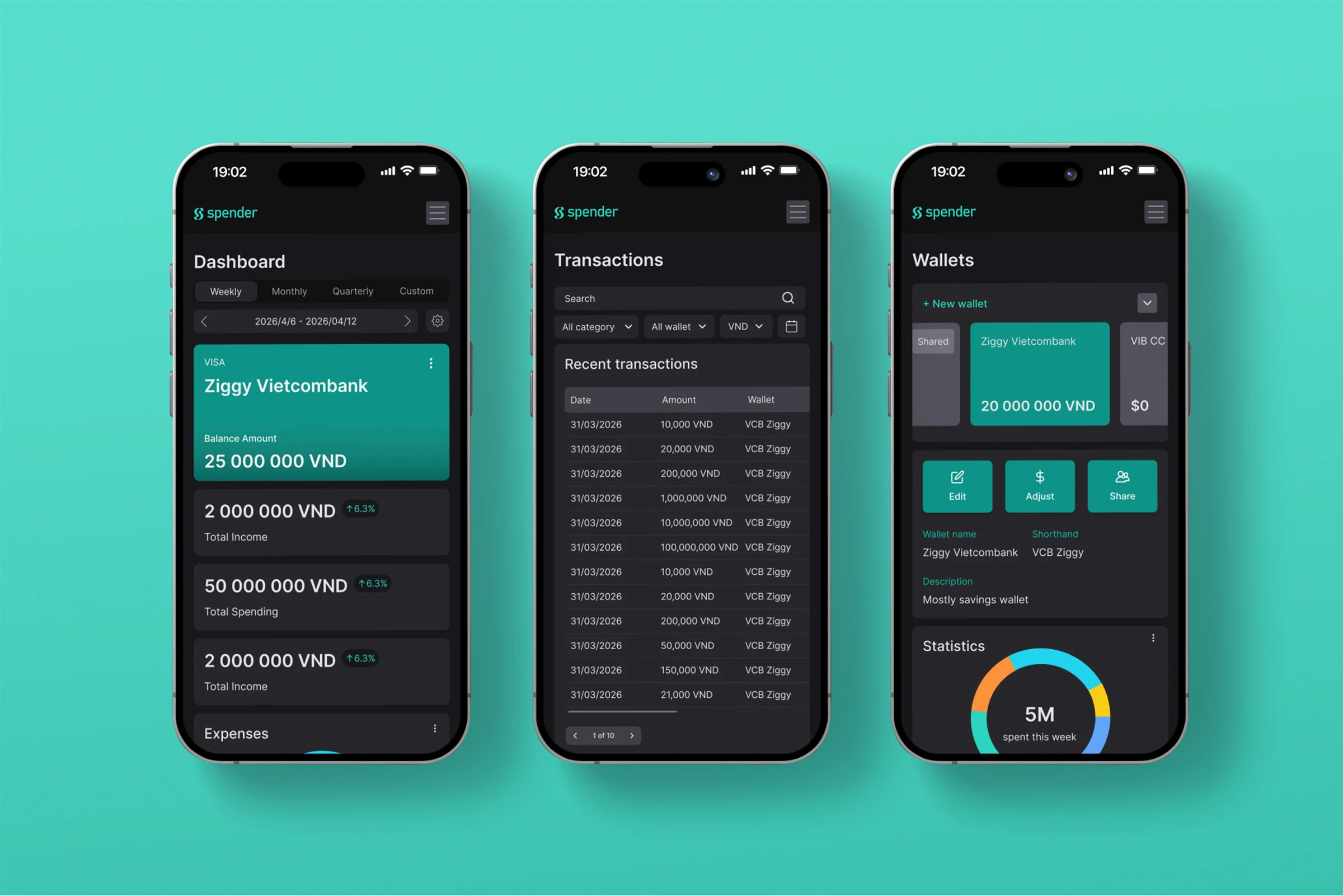
Our product is dedicated to creating an easy tracking experience while still covering a wide variety of complex input needs. Here are our notable functions:
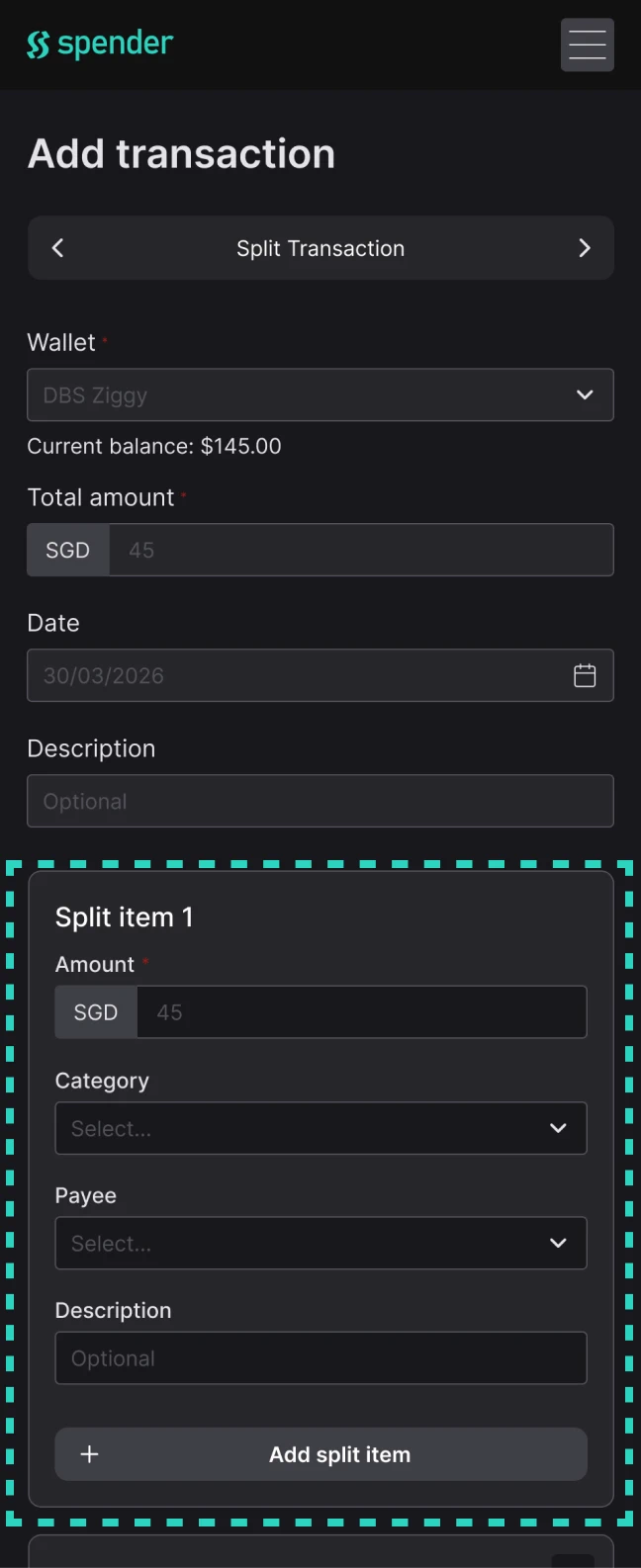
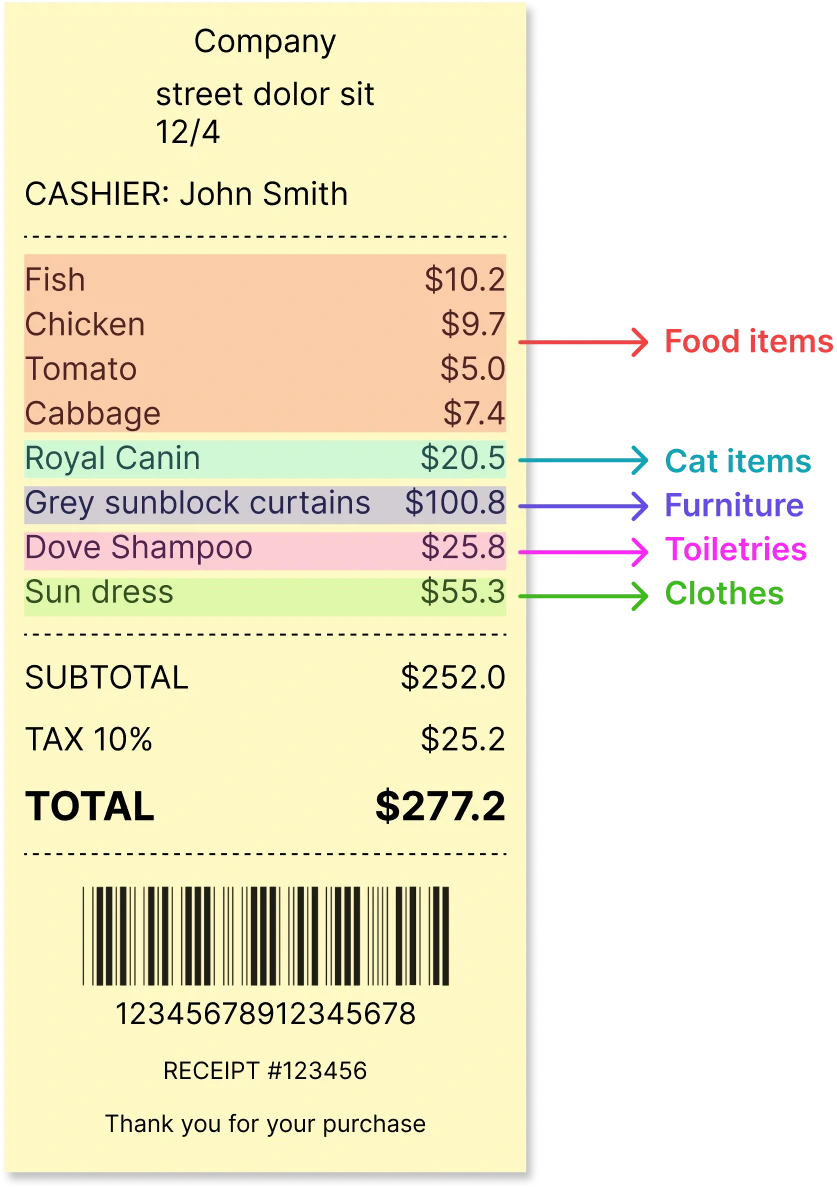
One of our core functions is allowing users to split a bill into multiple items without having to manually do the calculations. This is great for categorizing different items that you may have purchased from the same store. This is a common scenario for those who grocery shop for the household.
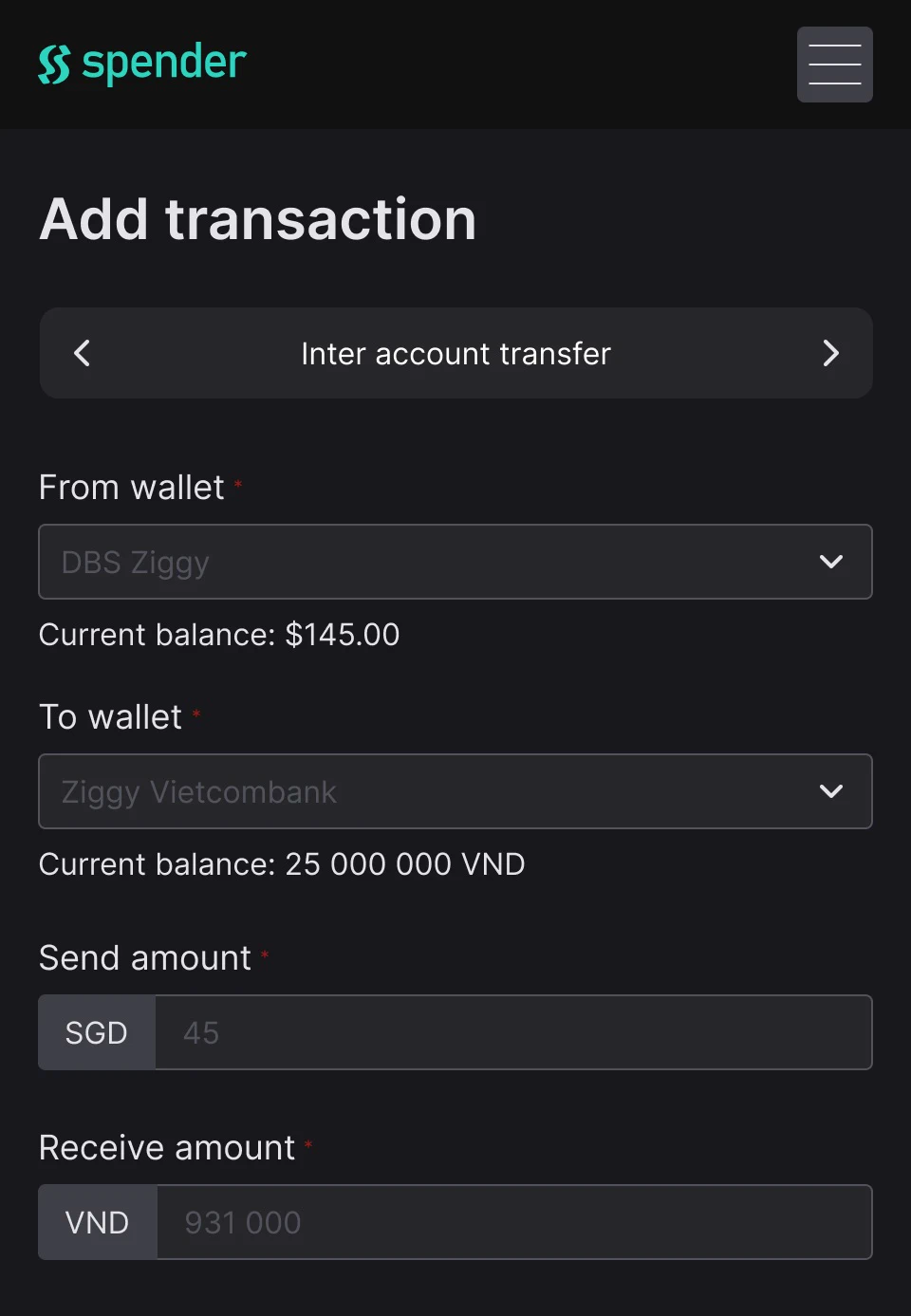
Chi Thao can easily record her multi-currency transfers between her wallets with this function. With this, she will not have to worry about individually adjusting the balance of each wallet each time she transfers from one wallet to another.

Forward your transaction confirmation email to our system. One email from each of your credit cards.

Log back in to our system to finish setting up the automation.

From now on, anytime you spend money, our bot will send you a message via Telegram to help you add your transaction.
This function has made tracking my expenses extremely convenient! I can track on the go or go through the messages on the weekends and it won’t feel as overwhelming!

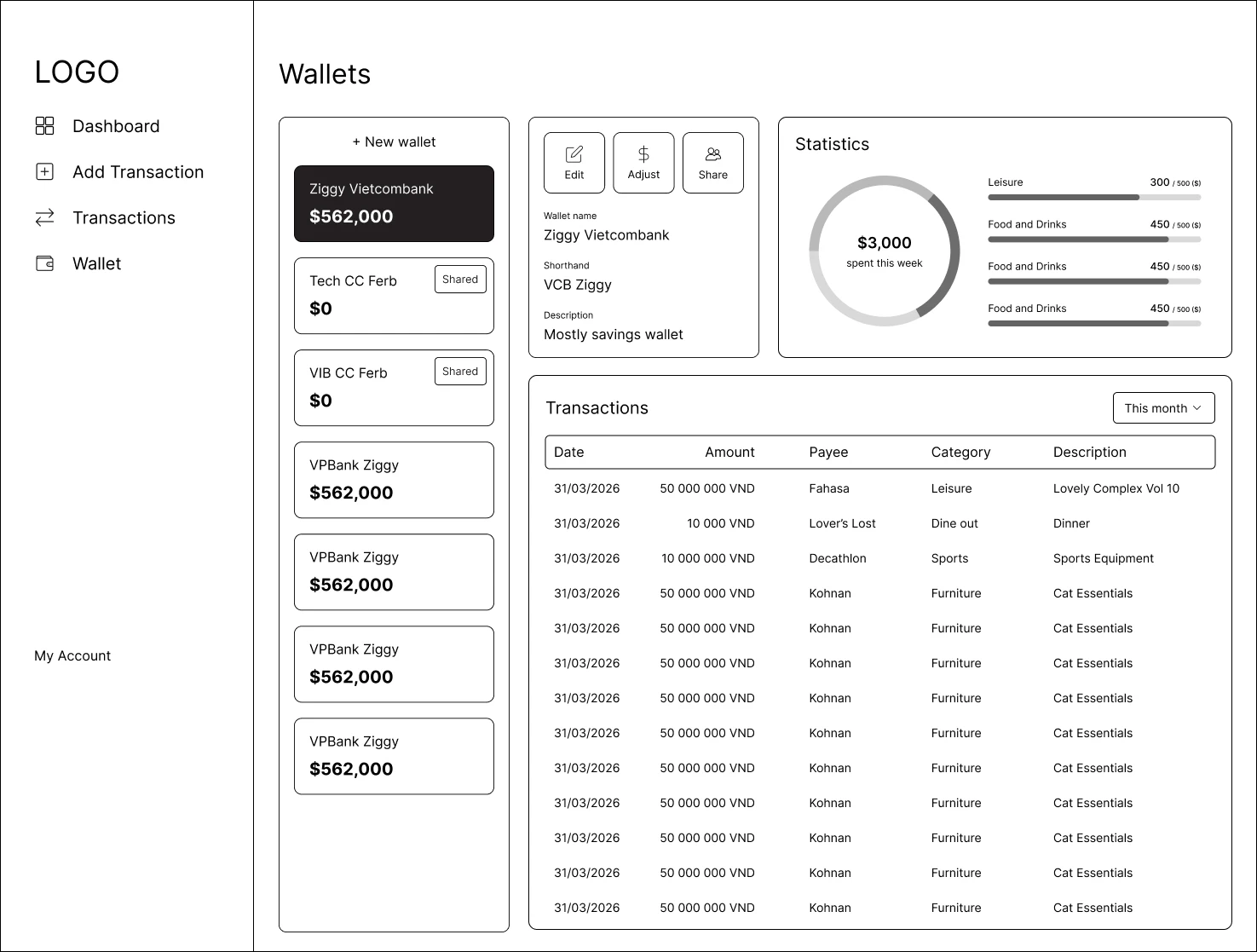
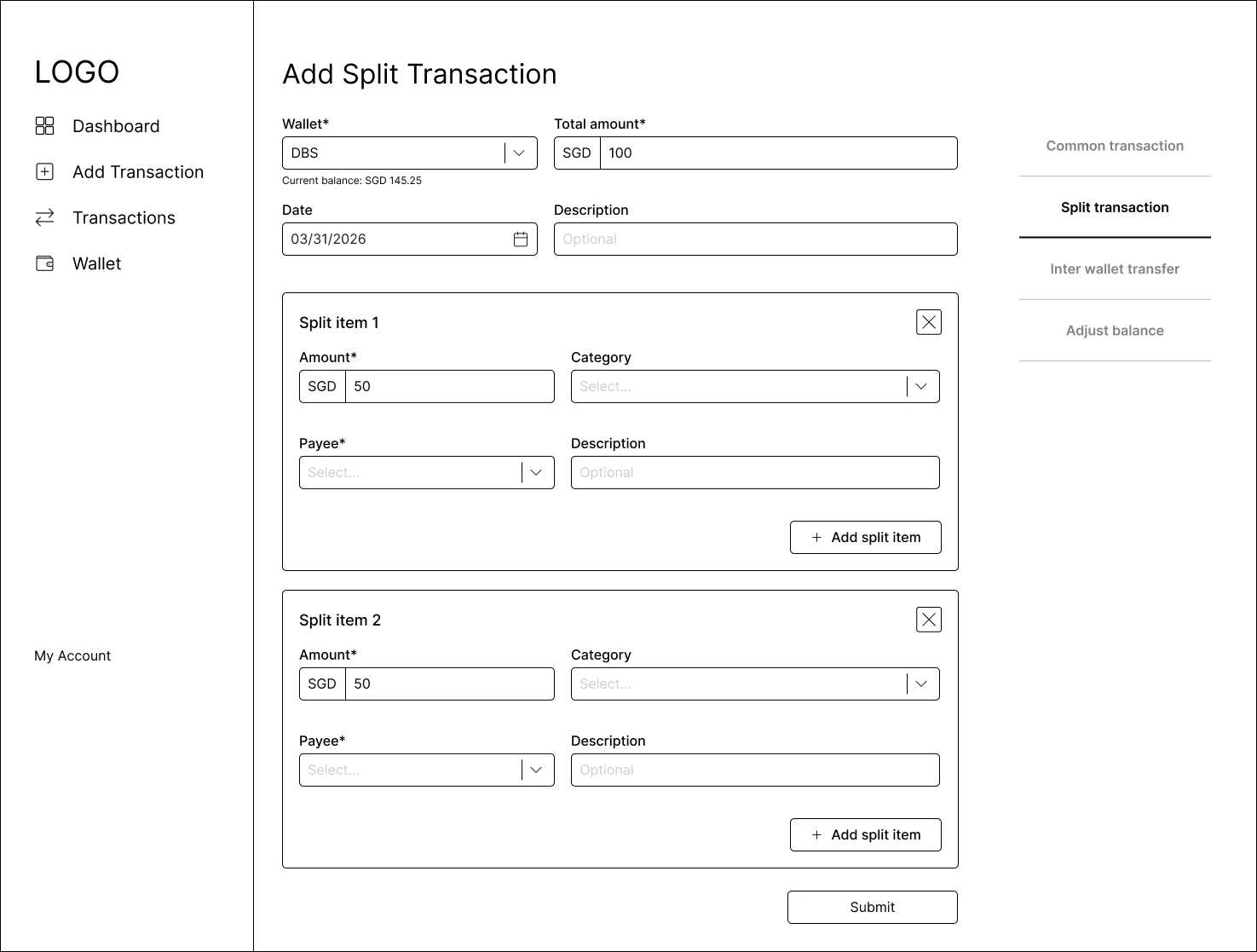
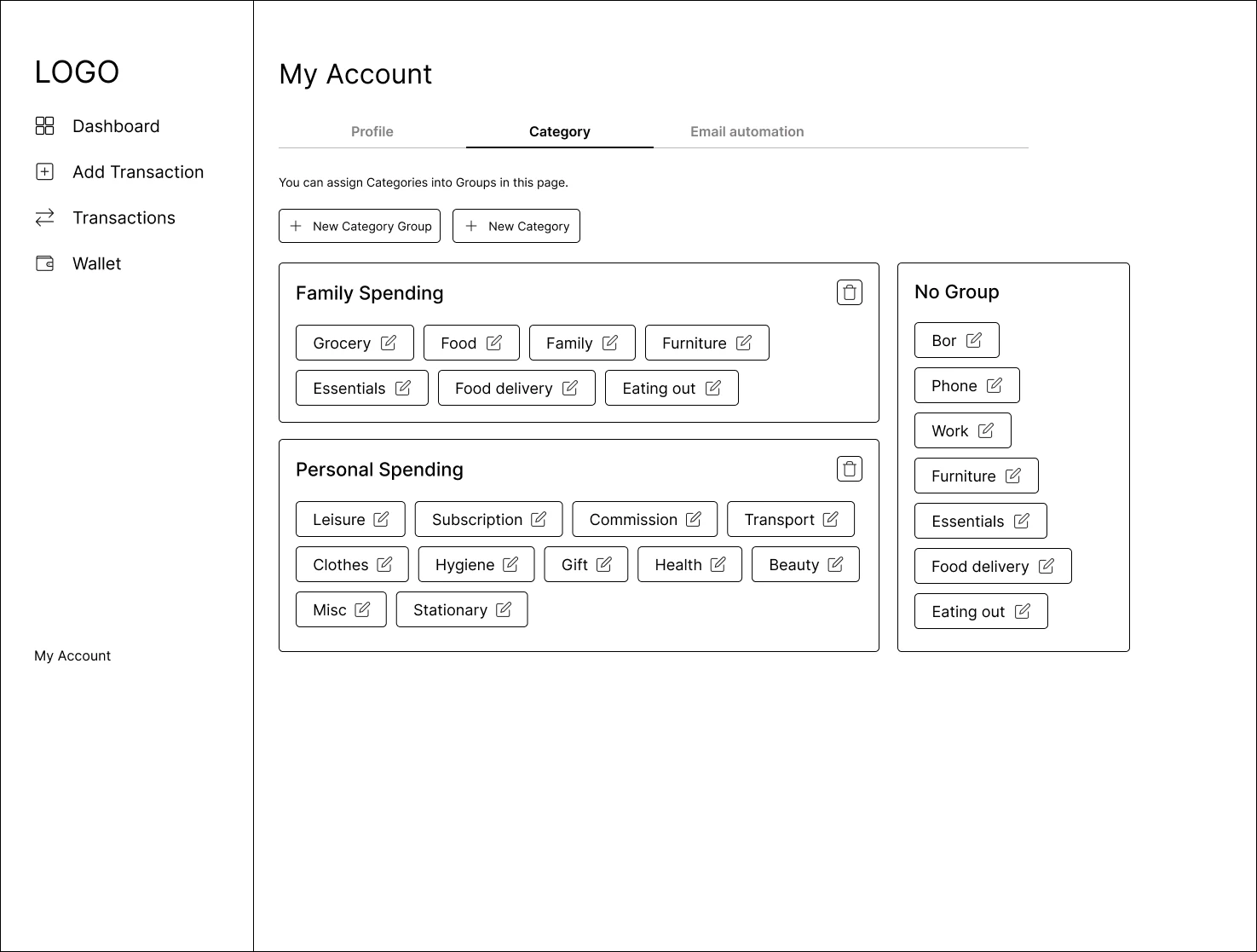
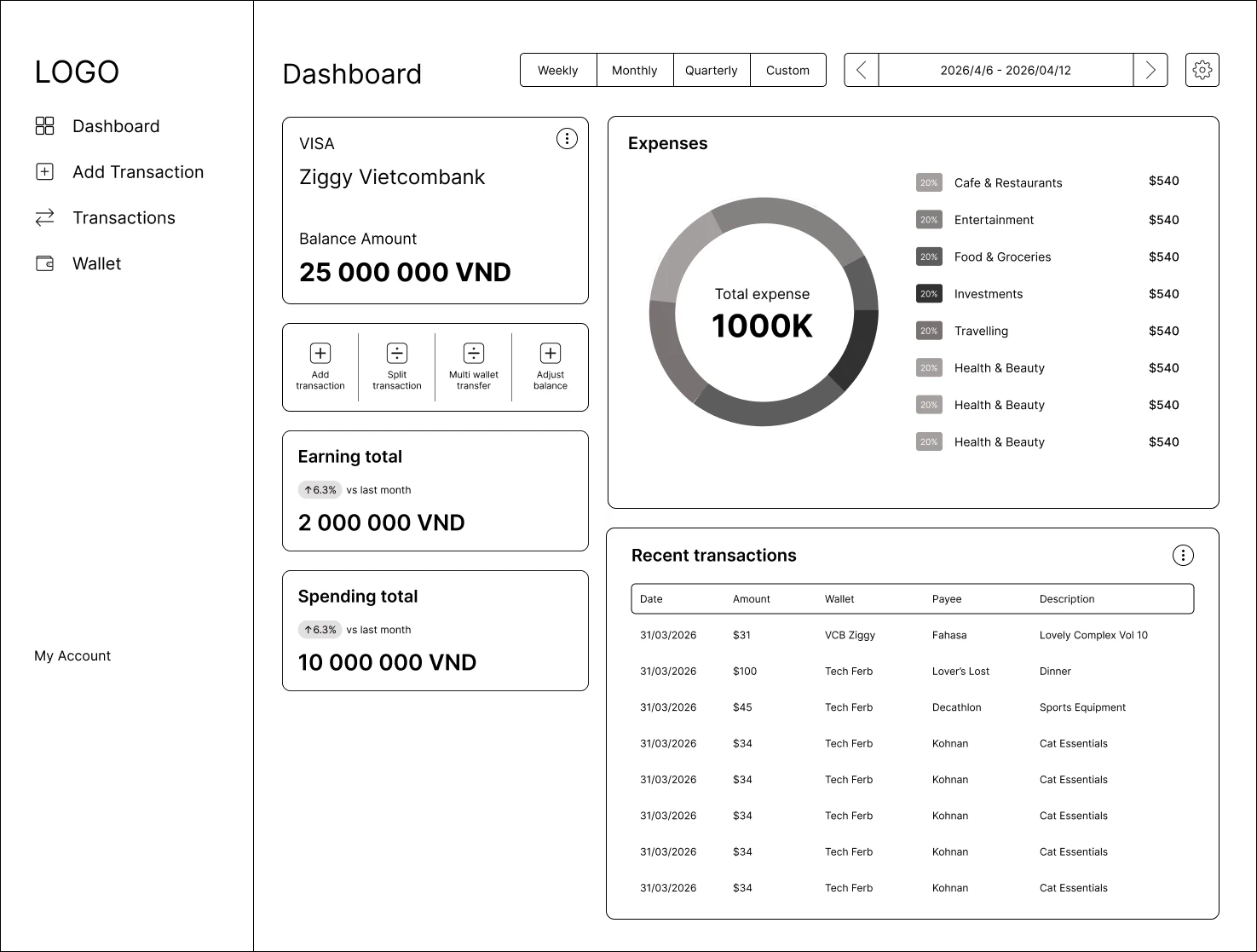
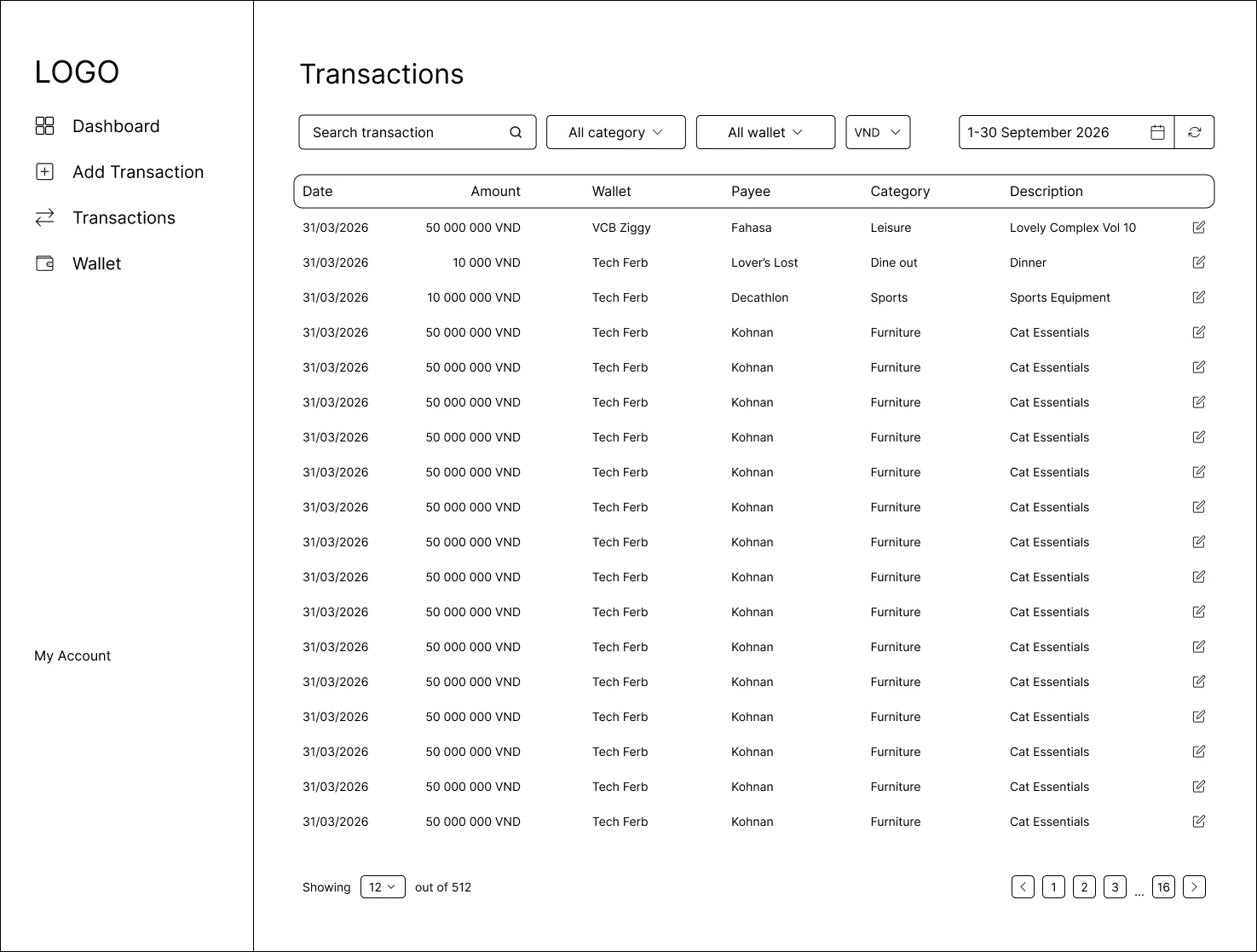
This is the prototype for the add transaction screen, the most basic function of Spender. Feel free to have a go at it.



The process exists for a reason. Thorough research informs effective ideation and execution. You may butt heads with your collaborators but at the end of the day, you are both working towards a better product for users.
Start simple, ugly even. Focus on core functions before gradually upgrading designs. This is especially relevant when working with a small team. I find that this technique helps us keep morale high as we get a glimpse of the final product while continuing to work towards it.
As this is my first SaaS project working from the ground up, I was extremely nervous, worrying over the smallest details in the beginning. I soon learned that mishaps are precious learning opportunities, especially for a beginner.